Preloaded CNC Calculator
A Casio fx-9750GIII preloaded with 75+ CNC formulas. Work through part geometry, tool compensation, and everyday machining calculations using a dedicated tool at the bench.
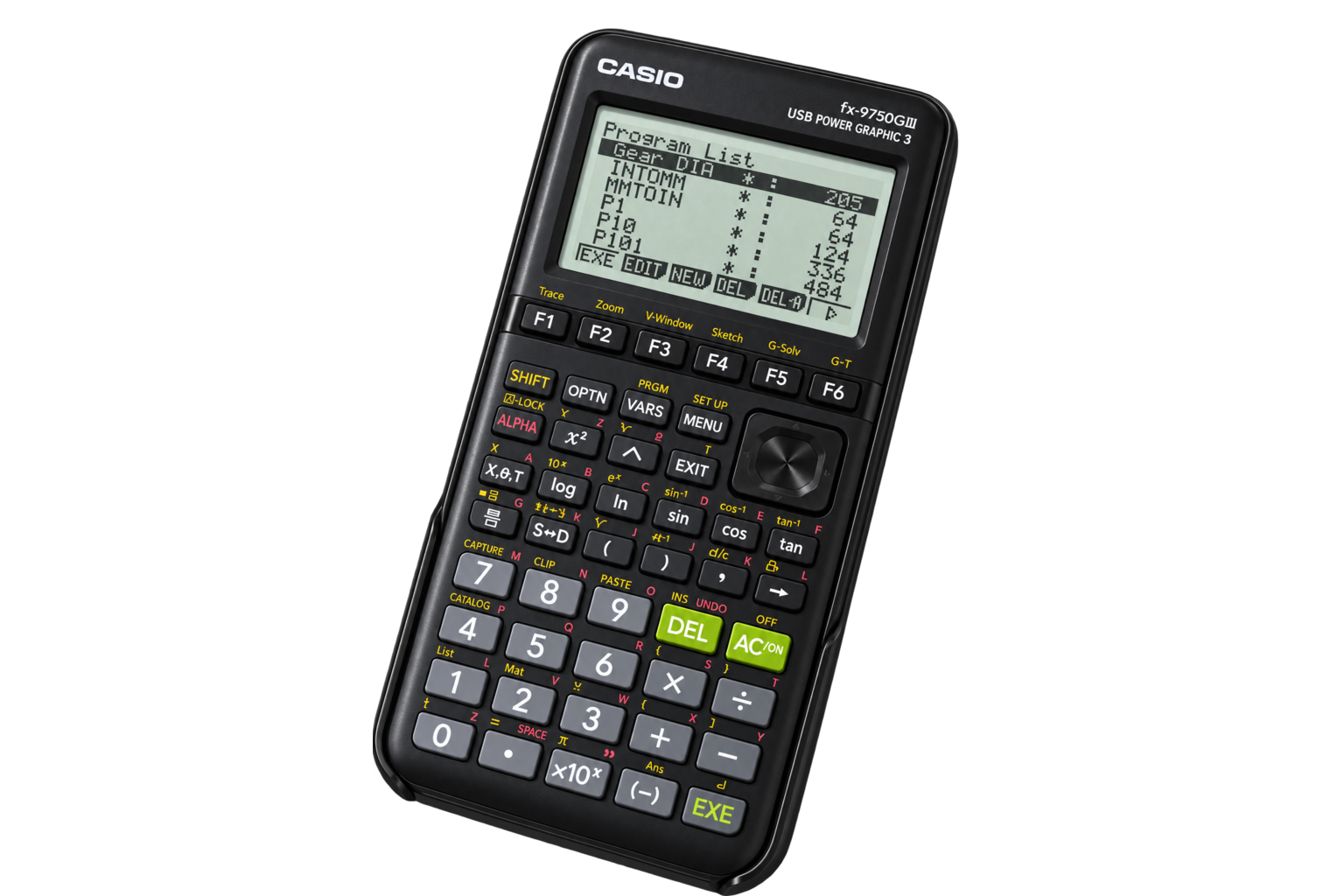
Built for the bench.
Physical keys. On-screen prompts. CNC calculations already loaded.
- Calculator
- Casio fx-9750GIII
- Formula library
- 75+ preloaded CNC formulas
- Included manual
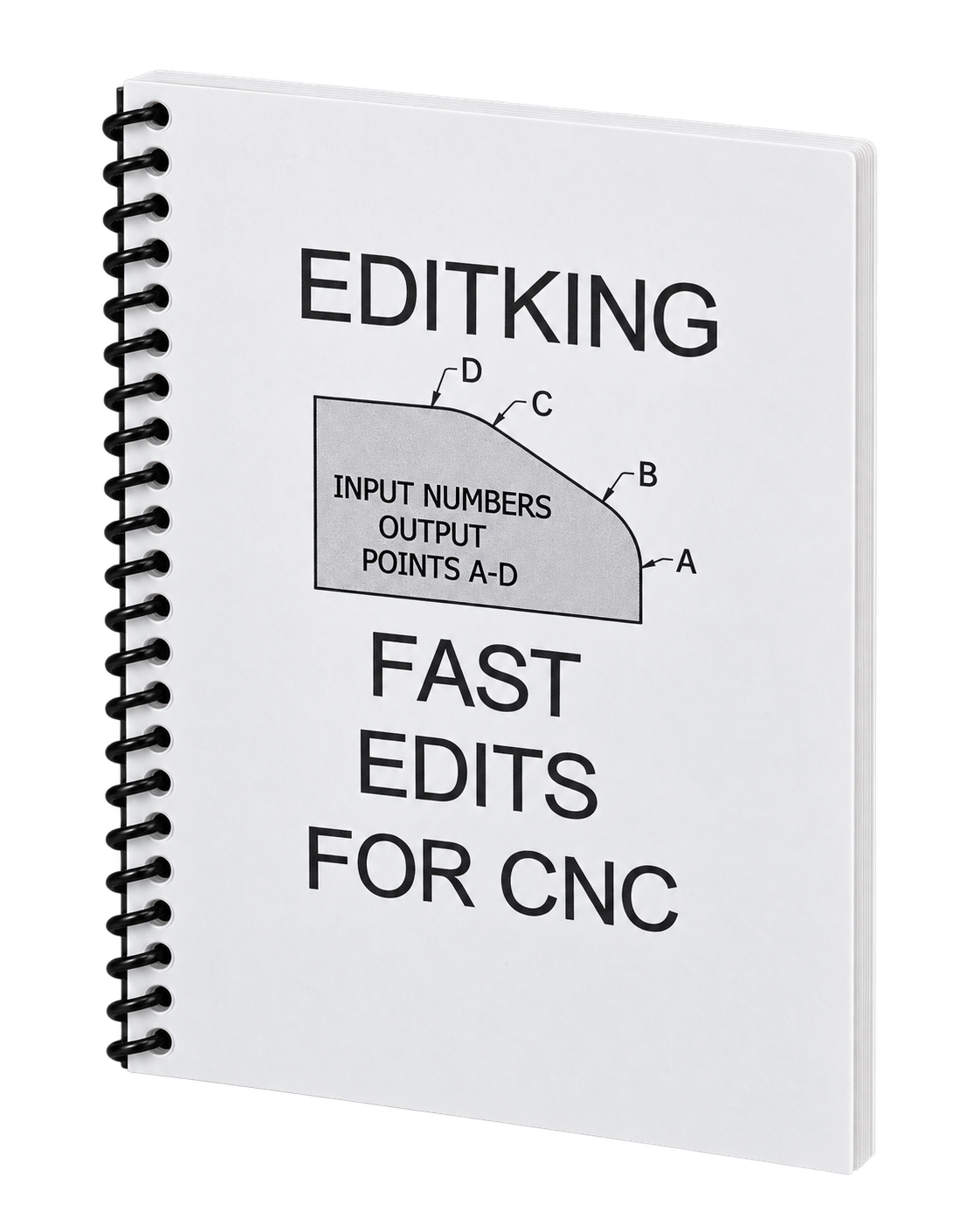
- Printed, spiral-bound EditKing “Fast Edits for CNC” manual
- Geometry & profiles
- Chamfers, radii, angled features, and tangent points
- Tool compensation
- Tool-nose radius compensation for X/Z positions
- Machining math
- Thread geometry, speeds and feeds, and inspection dimensions
- Input & results
- Enter dimensions with physical keys and read calculated values on screen
Printed manual included
Your calculator comes with the printed EditKing Fast Edits for CNC manual. Keep it alongside the keypad as a reference at the bench.
From part dimensions
to machining values.
Choose a program from the list, follow its prompts, and read the results. Here’s an outside-diameter chamfer calculation on screen.
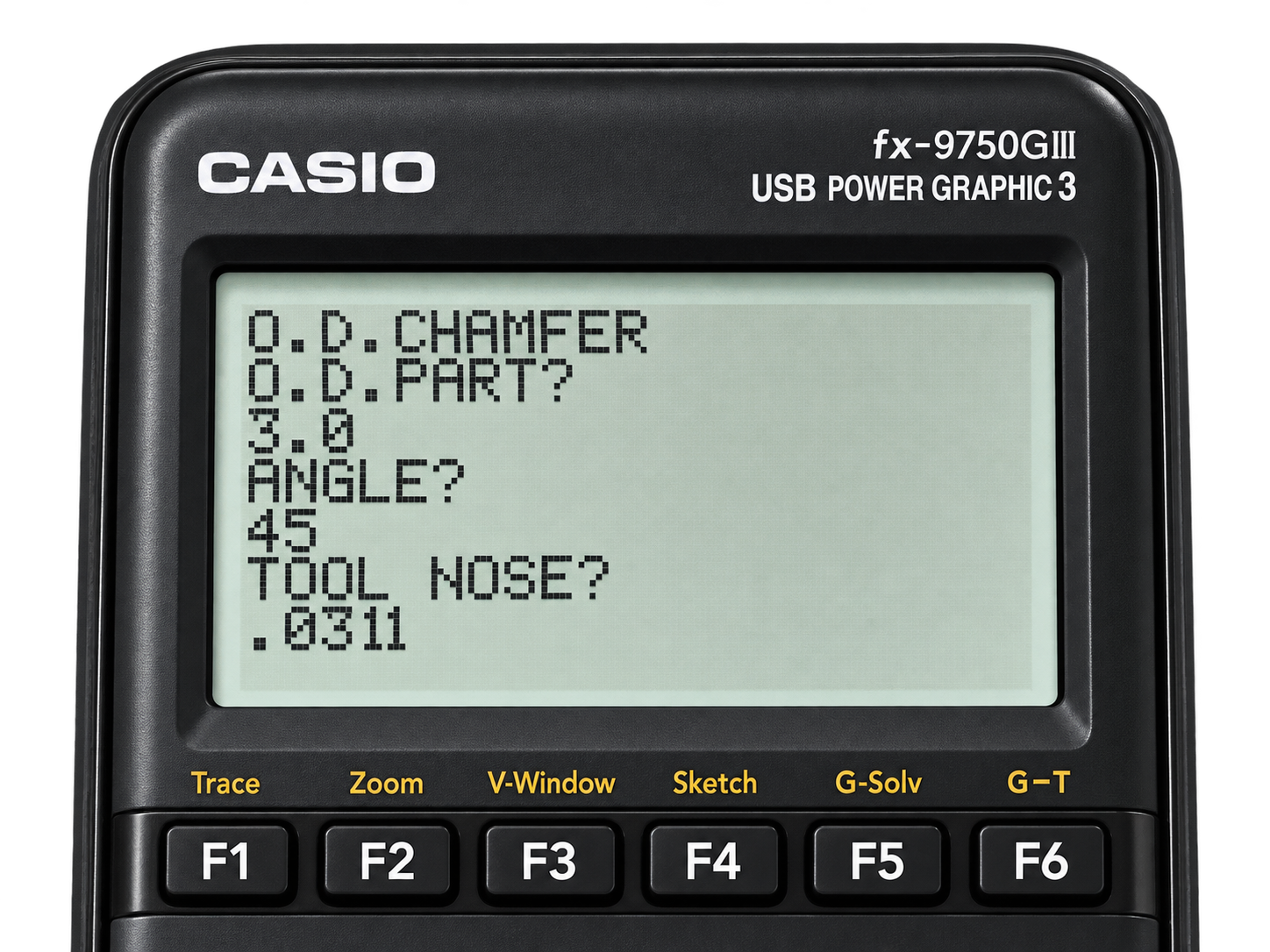
Enter the dimensions.
Use the program’s prompts to enter the part size, angle, and tool-nose radius.
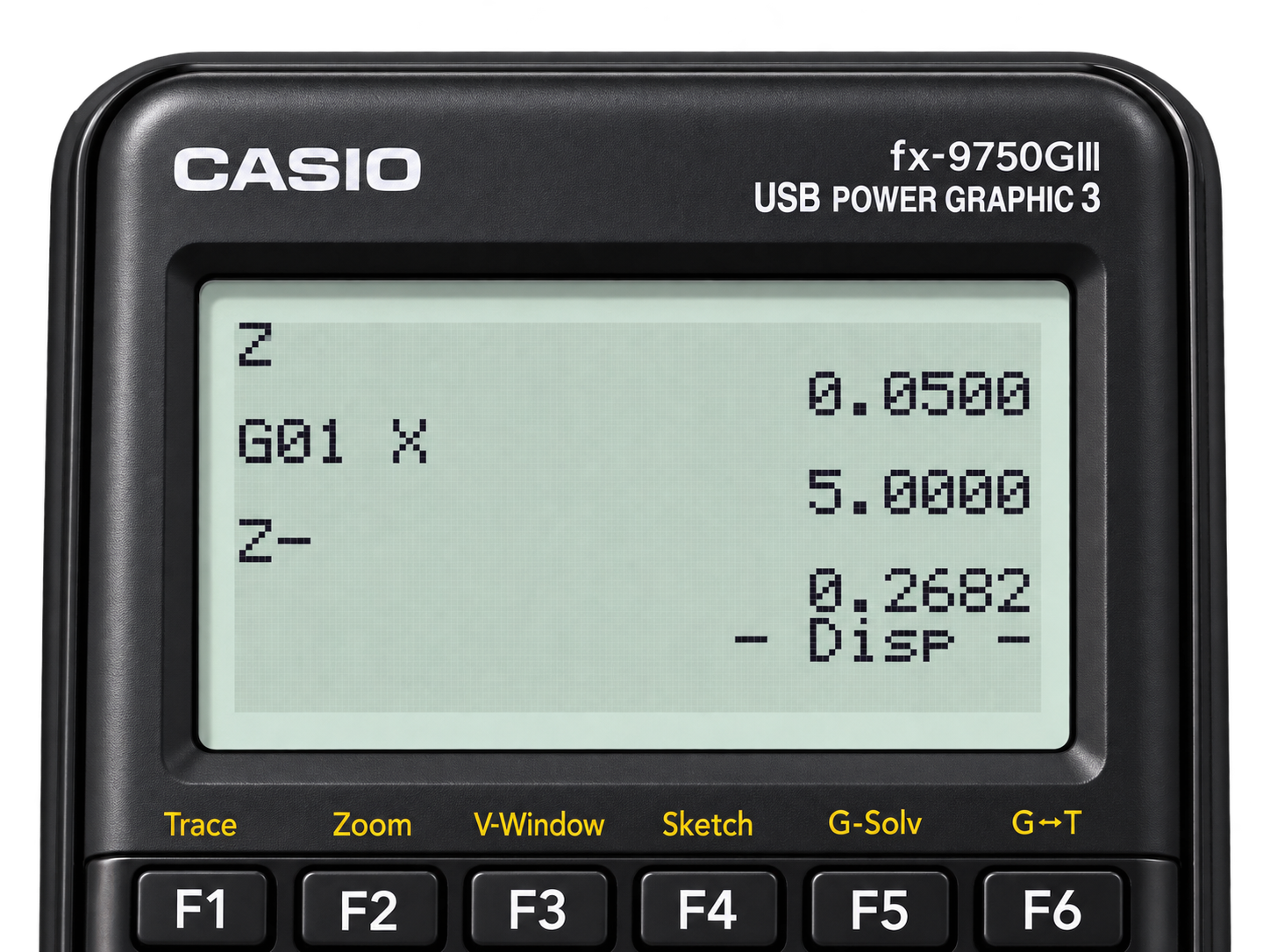
Read the coordinates.
The calculation returns machining values on screen for you to review against your setup.
The formula library.
75+ formulas covering geometry, compensation, threading, and shop math.
Full formula list coming soon.
A detailed list of the included formulas will be added here.